To check your subscription type (Pro or Premium) and its duration (3 months, 1 year, or lifetime), you can use one of the following methods:
Method 1: Check in the ELSA Speak App
Open the ELSA Speak app.
Log in to your account.
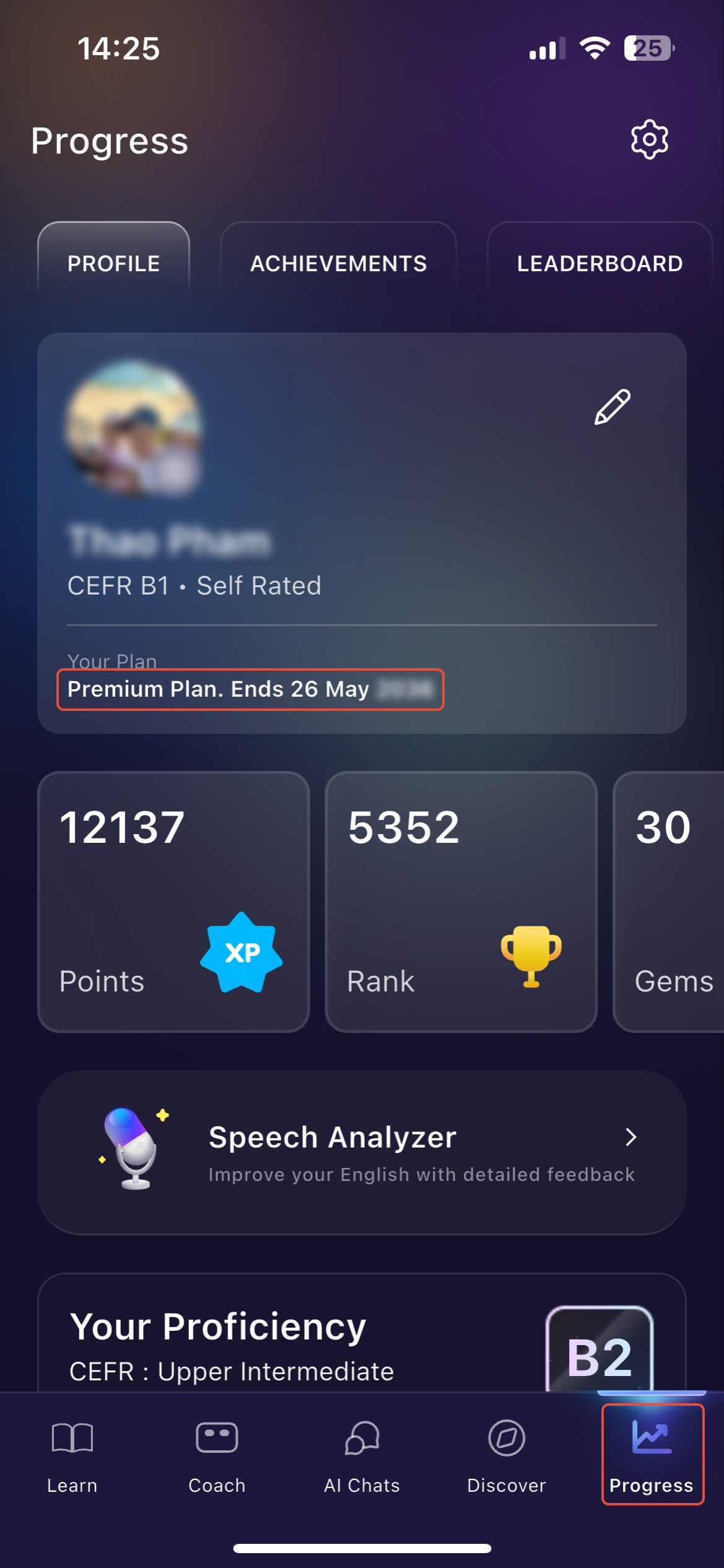
Tap on the Profile icon.
Your subscription tier and status will be displayed directly under your username.
Method 2: Check Your Purchase Receipt
Open the email account you used to sign up for ELSA or make the purchase.
Search for a receipt or confirmation email from ELSA Speak, the Apple App Store, or the Google Play Store.
The receipt will list the specific plan name (e.g., "ELSA Premium") and the billing cycle (e.g., "1 Year").
See this page for further instruction: https://elsanow.freshdesk.com/en/support/solutions/articles/31000178653-how-to-find-your-elsa-speak-payment-receipt
Please make sure you check all the other email addresses that you have as you might have used a different email to subscribe.
Was this article helpful?
That’s Great!
Thank you for your feedback
Sorry! We couldn't be helpful
Thank you for your feedback
Feedback sent
We appreciate your effort and will try to fix the article