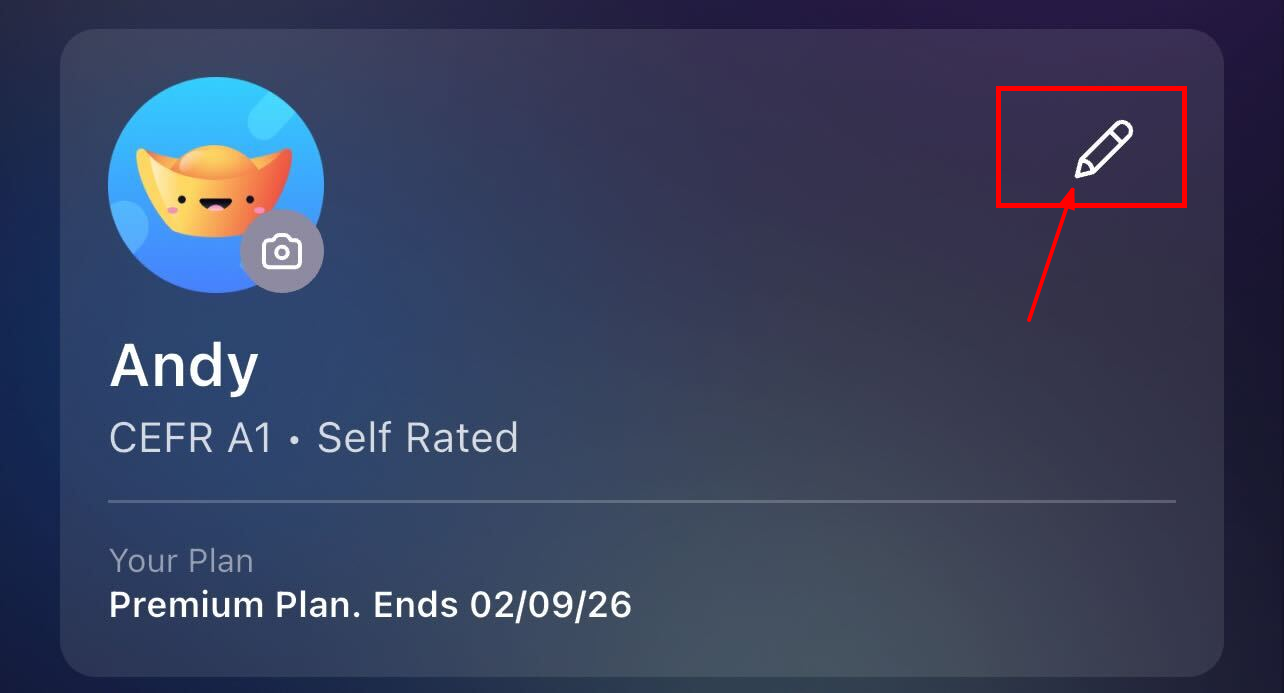
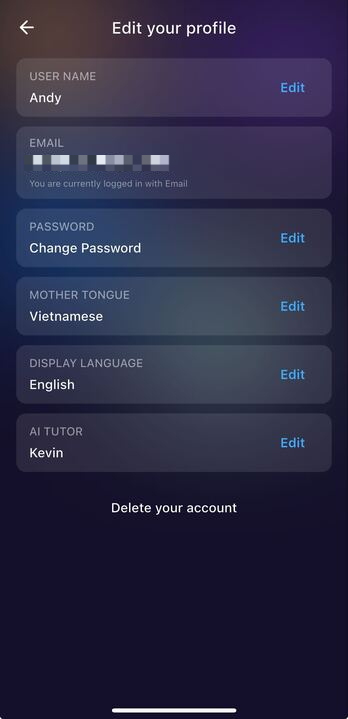
The Pencil Icon in the top-right allows you to modify your personal details, language preferences, and account settings in one place.
- Email: is the login email of your account.
- Password: you can change the login password here. If you registered with social accounts like Google, Facebook, Apple, there is no option to reset the password. The login method will be your social account, instead of email and password.
- Mother tongue & Display Language: see more here.
- AI Tutor: see more here
- Delete Your Account: you can delete your ELSA account permanently here. This action cannot be reversed.
Was this article helpful?
That’s Great!
Thank you for your feedback
Sorry! We couldn't be helpful
Thank you for your feedback
Feedback sent
We appreciate your effort and will try to fix the article