Experience a new way to master English with Roleplays and AI Chats, a feature designed to help you engage in free-flowing, spontaneous, and realistic conversations on nearly any topic or scenario imaginable.
Whether you are preparing for a high-stakes career interview or simply want to talk about your favorite hobbies, this tool provides a safe space to practice real-life communication.
Most effective for learners between A2 and C levels.
Unlimited access to AI Chats is only available with a Premium subscription.
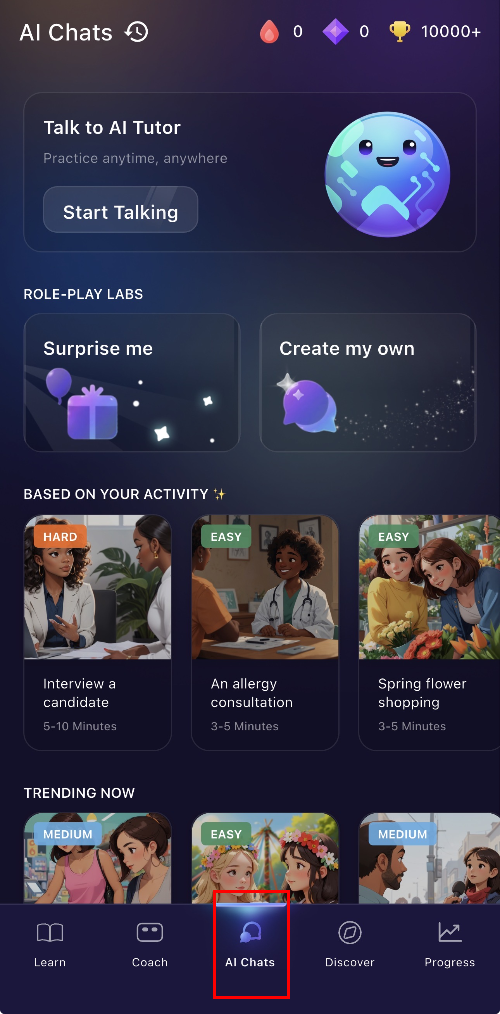
To ensure your practice is always tailored to your needs, you can select how you start your session:
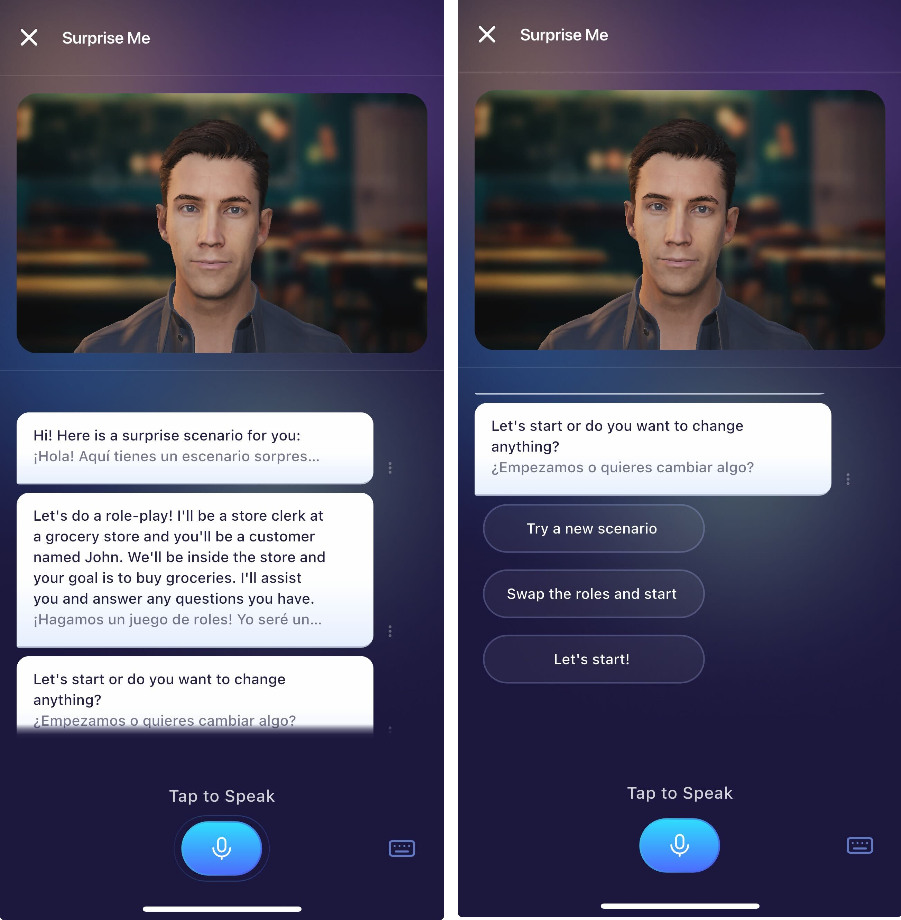
Surprise Me: Let the AI generate a random topic for a fun and unexpected challenge.
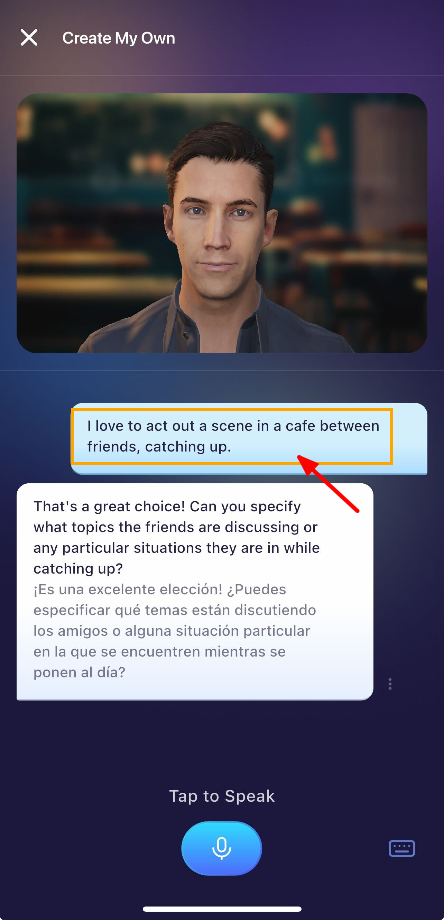
Create My Own: Set a specific learning goal by designing a custom scenario unique to your journey.
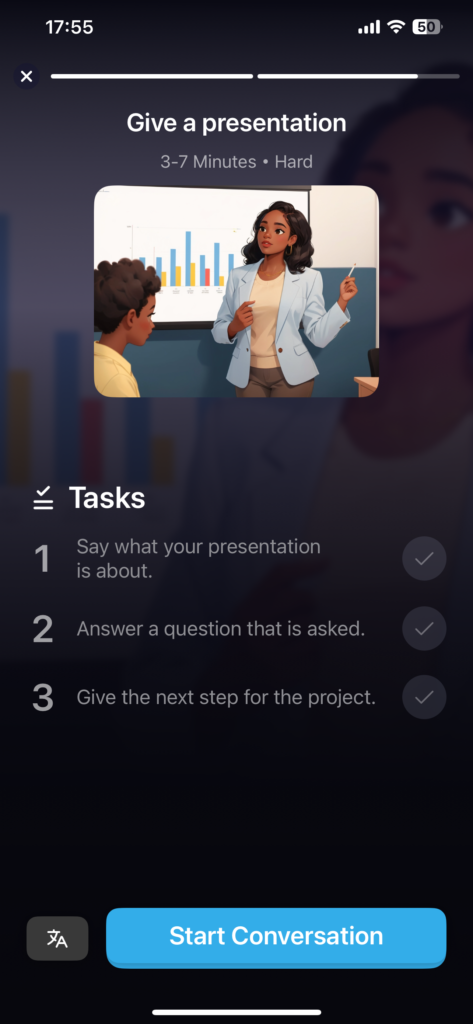
Suggested Topics: Pick from a variety of scenarios curated by ELSA to match your interests.
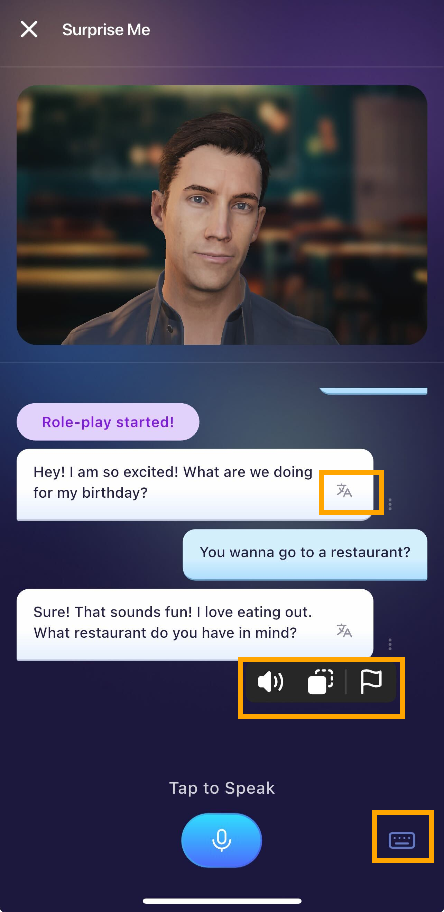
Useful Tools you can use:
- Speaker icon: to replay the audio of ELSA
- Translation: translate the text into the language of your choice.
- Copy icon: to copy a text.
- Flag icon: to report an issue you found
- Keyboard icon: to type your response insteading of speaking
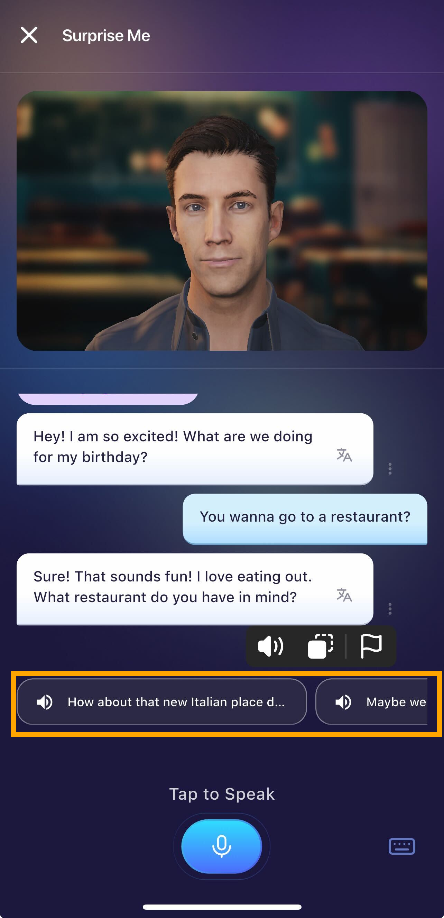
If you are stuck, ELSA will give you some suggestions to reply. Click on the suggestion and speak your response aloud!
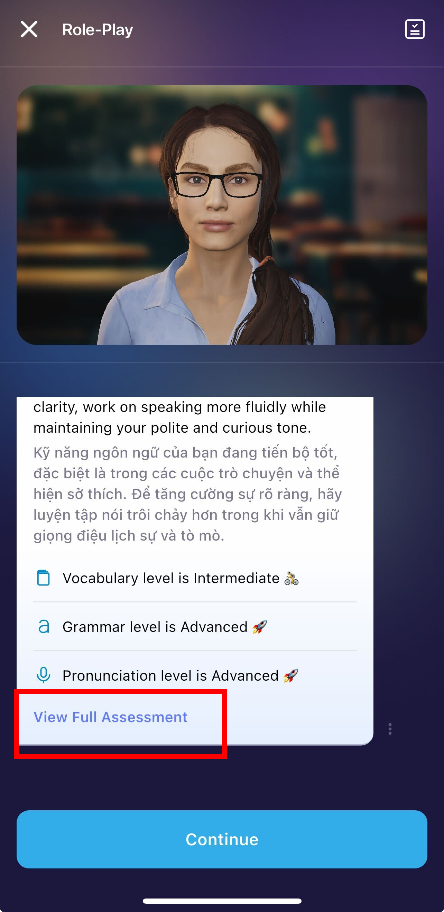
View Assessment Feedback:
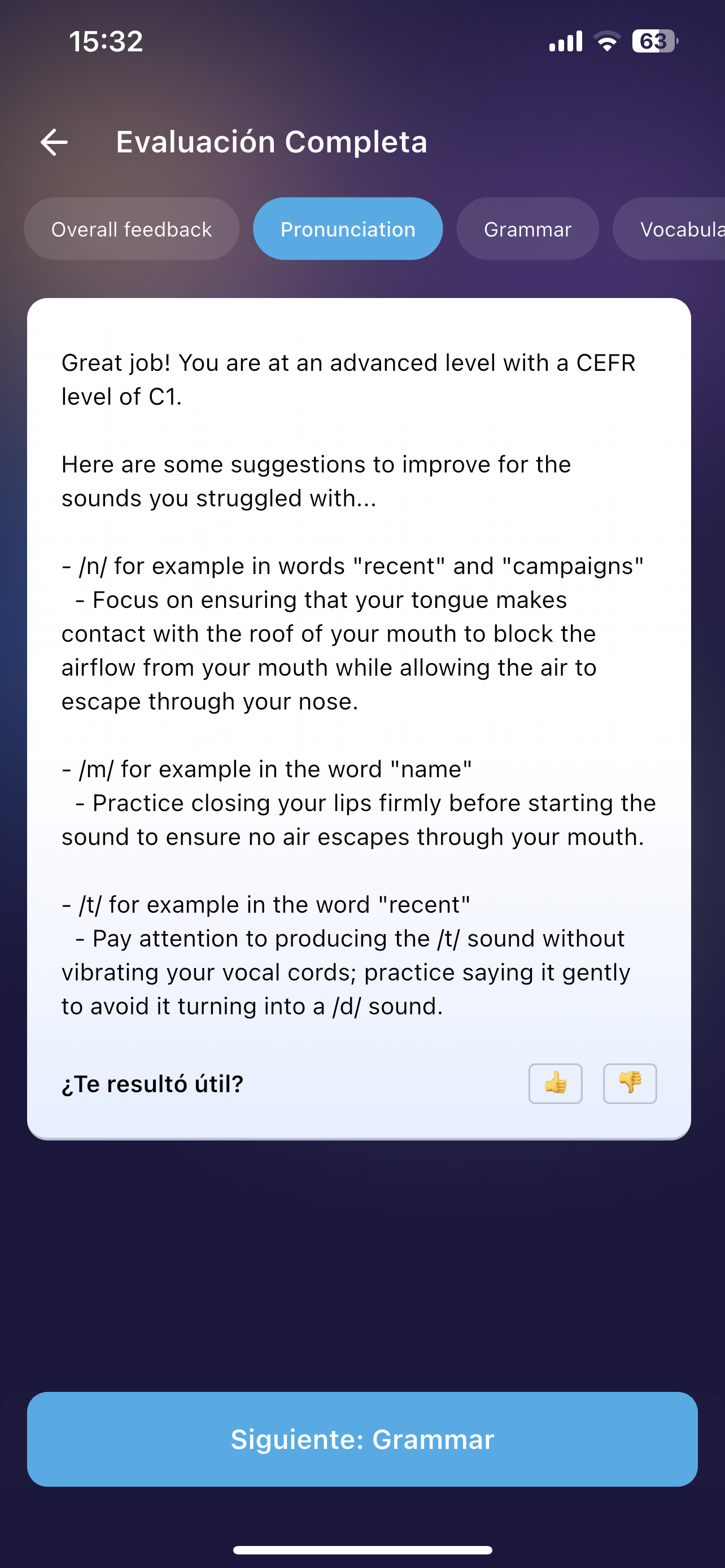
After you complete the conversation, ELSA AI will give a result including four elements: Overall feedback, Pronunciation, Vocabulary, and Grammar.
Make sure to tap "View Full Assessment" button at the end of the conversation.
The assessment result will also have some tips to improve your English skills.
Impact on your ELSA Score:
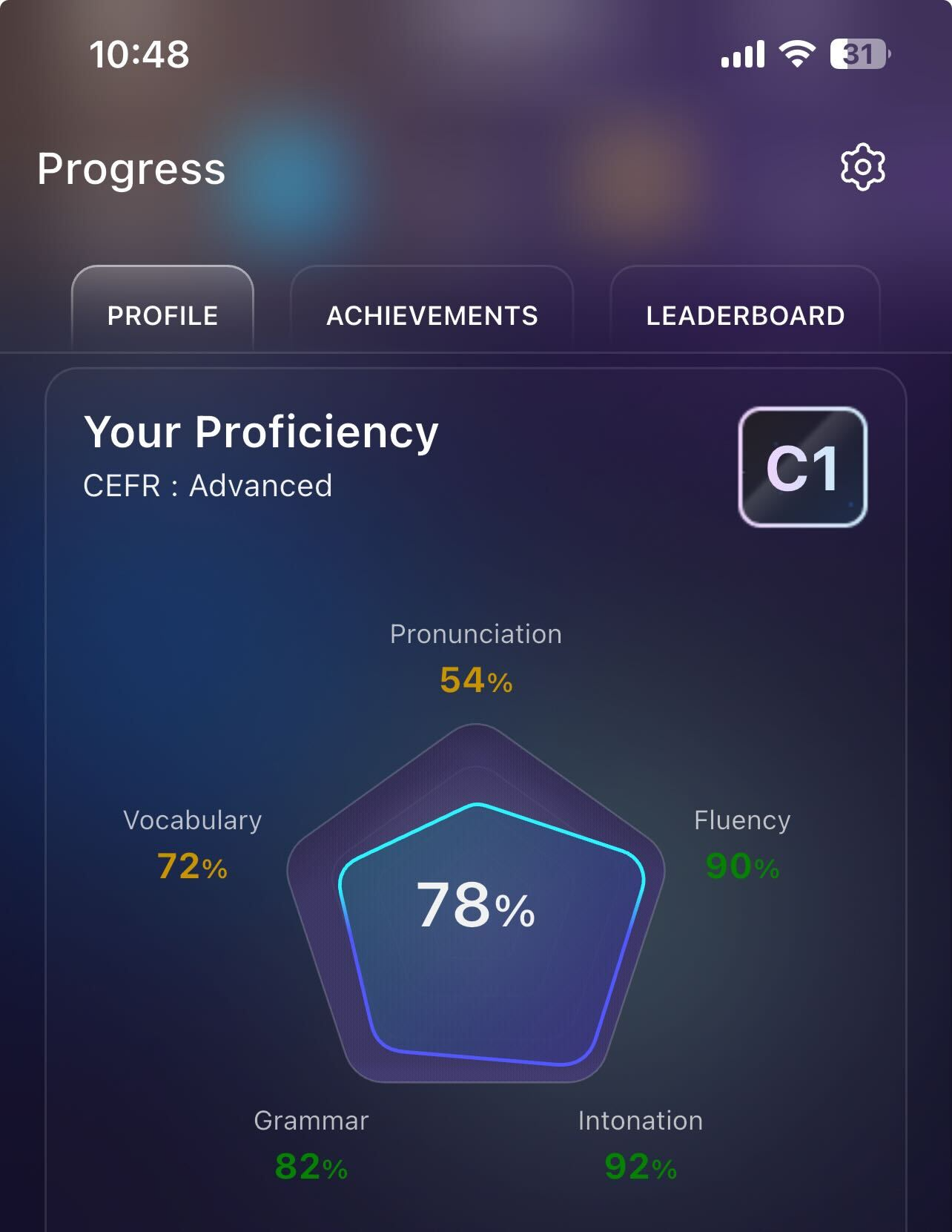
Every conversation you have in AI Chats directly impacts your ELSA Score, particularly Vocabulary and Grammar scores.
To get the most out of each session, focus on your grammar and vocabulary skills. We recommend speaking in longer, more complex sentences and incorporating the new words you have recently learned.
By consistently practicing these engaging roleplays, you ensure your skill focus remains sharp and your progress stays on track toward fluency.
Was this article helpful?
That’s Great!
Thank you for your feedback
Sorry! We couldn't be helpful
Thank you for your feedback
Feedback sent
We appreciate your effort and will try to fix the article